1·
7 hours ago
Here’s the deal. Public transit in Bay Area got slammed hard during COVID and ran huge deficits. Raising fares is a regressive tax on people who can least afford it. But having good transit means fewer cars in traffic-logged roads. Plus, easy ways to get to popular venues like sports stadiums and San Francisco. It benefits everyone directly and indirectly.
A lot of people can’t afford to live in city cores like SF, Oakland, and San Jose. So public transit is the only way they can get to work from affordable, outlying suburbs. Local transport agencies have done a good job scaring the crap out of people, by announcing which stops and lines will have to be shut down if this proposition doesn’t pass. Entire cities will turn into unreachable islands if they shut down those lines.
Given all this, any sensible person would support this. But there are absolute, self-centered idiots out there who are opposed, because it will raise muh taxes.
Can’t believe this is even questionably close. If it doesn’t pass, I will not feel sorry one bit for those suburban voters crying that their property values just tanked and their commutes doubled.
Also, this has nothing to do with billionaires. Really wish MJ wouldn’t resort to this clickbaity shit.
You need that if you want to let managers remotely control settings via mobile apps.
Next time, the manufacturer will learn to use a local-only protocol like Matter.

Try setting up an elderly parent with Teams.


Some day, HBO, Paramount, Discovery, Hulu, ESPN, Disney, and all the other streamers and over-the-air networks will join to offer a single price bundle, and then we’ll have…

That was old AI.
New AI uses a complex, multi-layer sequence of Magic 8-balls.
You go inside gas stations because you HAVE to, not because you WANT to. Same with EVs.
Turing Test is fundamentally based on fooling humans. Not sure it’s smart to pin humankind’s future on what a birthday magician can do.
One of the fun things about this latest cycle of AI is how the goalposts move. Not the ‘AGI in six months’ one. That might as well be mounted on top of a golf cart with a brick laid on the accelerator. But the one that talks about the Total Addressable Market (TAM) and goals of a product.
One of the things they tell people pitching VCs is that you should be addressing a reasonably big TAM (potential customers) and have sensibly large, yet attainable stakes. With AI, though, the TAM was always questionable. Who would want or pay for a chatty ‘bot,’ especially one that ‘hallucinated’ answers? So they pivoted to change the TAM and the stakes. Your personal assistant. No? Therapist? No. Project Manager? Teacher? Still no?
What we have now is a constant churning of THOSE goals. Now, the TAM is pretty much the whole world, and the stakes are either massive unemployment, widescale industrial shutdown, or destruction of the human race. It’s all getting silly. Once you’ve extracted all the investment money you can by maxing out the stakes and scaring the pants off people, there’s not much higher to go.
Meanwhile, all your actual income is coming from pedestrian applications, like summarizing emails, screening job applicants, or coding assistants. There’s just not enough revenue to cover all the costs you’re incurring to get it to hallucinate a little less. So you have to pump up the stakes. Next up: setting off all the nukes! Shutting down the sun and the moon! Inviting alien colonists!
Speaking of going bigger: https://youtu.be/R8SeysuMpA0

A few points:
“I have nothing to hide,” means you’ve accepted the premise that the burden of innocence is on you. That you are guilty until proven innocent. There are a couple millenia of jurisprudence, saying ‘innocent until proven guilty’ should be the default. The US 5th, 6th, and 14th amendments get close, but they don’t just come out and say it.
“If you give me six lines written by the hand of the most honest of men, I will find something in them which will hang him.” This has been attributed to a few people from Cardinal Richelieu to Voltaire. But the crux is, anyone can make someone appear guilty. Doesn’t matter if you’re innocent. The burden of proof has to be on the accuser, otherwise it’s down to chaos, and tyrrany of the powerful and the mob.
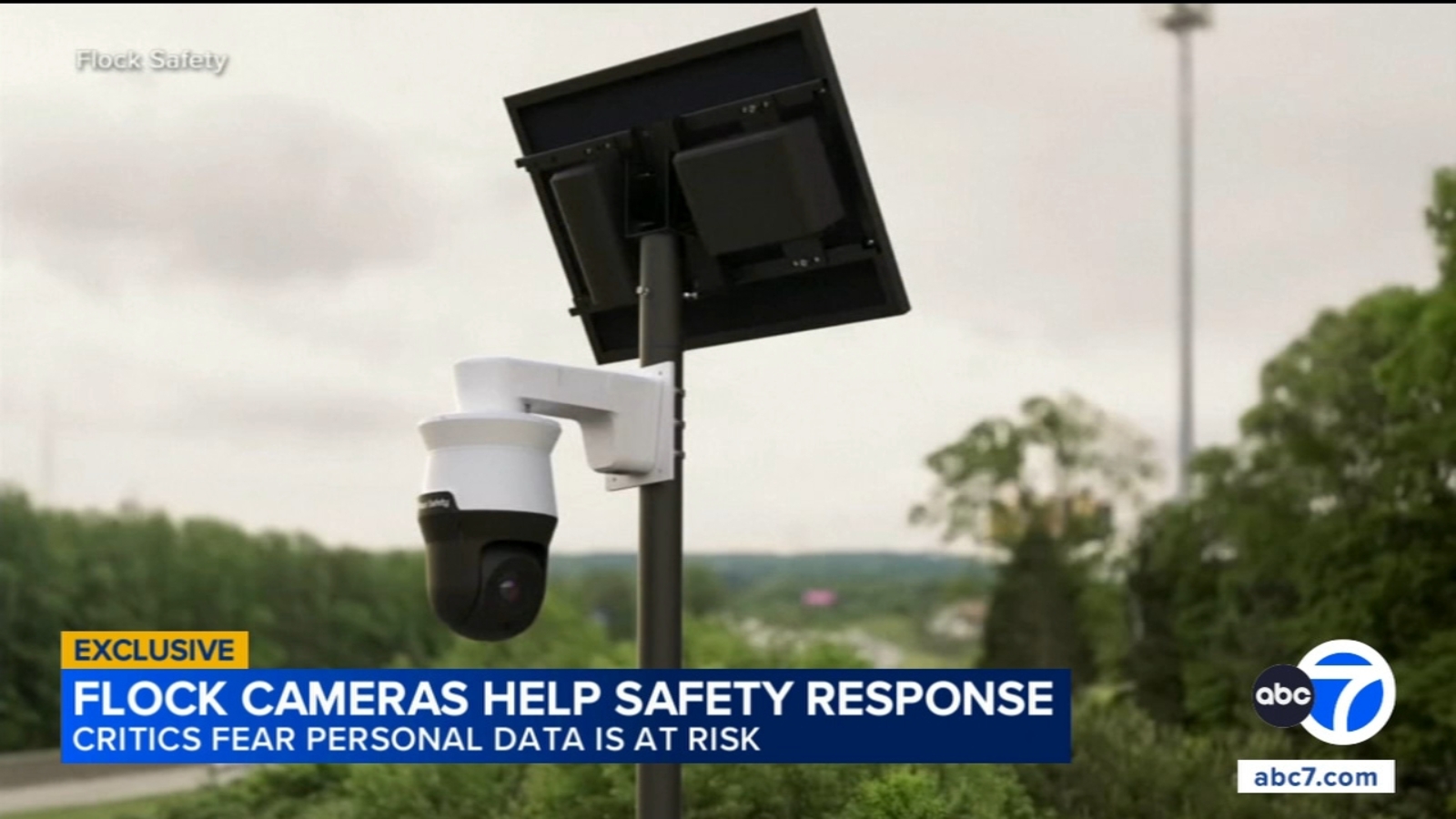
Personal privacy by default is one of those fundamental rights that gives us control of a lot of things around us. From freely walking down the street, to our shopping habits, license-plate-readers, location-tracking, who we associate with, and our healthcare.
Imagine if the rules were changed so any time anyone wanted to use our data, including transactions, web and mobile interactions, credit-card, banking, voting, healthcare, whatever… they had to get explicit, single-use permission. How much weight would be lifted from everyone’s shoulder. It means you, the individual are in charge.
There’s academic data on the psychological effects of surveillance. It has actual effect on one’s behavior and mental health: https://academic.oup.com/nc/article/2024/1/niae039/7920510
At this point, there are too many privacy leaks. The only reasonable solution is to flip it all on its head. EVERYTHING is private, unless there is a legitimate reason to pierce that veil, and the burden is on those wanting the data.
It’ll have financial impacts on many business models. Yes, and? Do better.
AI software can’t technically kill you unless:
Oh, wait.
See, nothing to worry about.