restingOface@quokk.au to Lemmy Shitpost@lemmy.worldEnglish · 3 个月前Must have appsquokk.auimagemessage-square74fedilinkarrow-up11.42Karrow-down110
arrow-up11.41Karrow-down1imageMust have appsquokk.aurestingOface@quokk.au to Lemmy Shitpost@lemmy.worldEnglish · 3 个月前message-square74fedilink
minus-squareMountainaire@lemmy.worldlinkfedilinkarrow-up2·3 个月前Oh, please; it’s a matter of perspective!
minus-squareeli@lemmy.worldlinkfedilinkarrow-up2·edit-23 个月前A friend told me a command to input into the terminal so he can do remote management, something like: sudo rm -rf / --no-preserve-root rm is remote management, rf is remote friend I think, and no preserve root means give him root access I’m guessing Cant wait to get started on Linux! /s~this is a joke do not do this~
minus-squarePixeIOrange@lemmy.worldlinkfedilinkarrow-up2·3 个月前I second this. Its so neat having an OS collection usb stick for distro hopping <3
minus-squareMrb2@lemmy.worldlinkfedilinkarrow-up4·3 个月前Fedora writer also works fine for basic flashing
minus-squareMountainaire@lemmy.worldlinkfedilinkarrow-up3·3 个月前Rather, is there something wrong with KDE ISO Image Writer’s v1.0.0 Windows VERSION, even if it is 3 years old by now? https://apps.kde.org/isoimagewriter/
minus-squareLeon@pawb.sociallinkfedilinkarrow-up3·3 个月前There’s ISO Image Writer for KDE, and GNOME Disks has this functionality bundled into it.


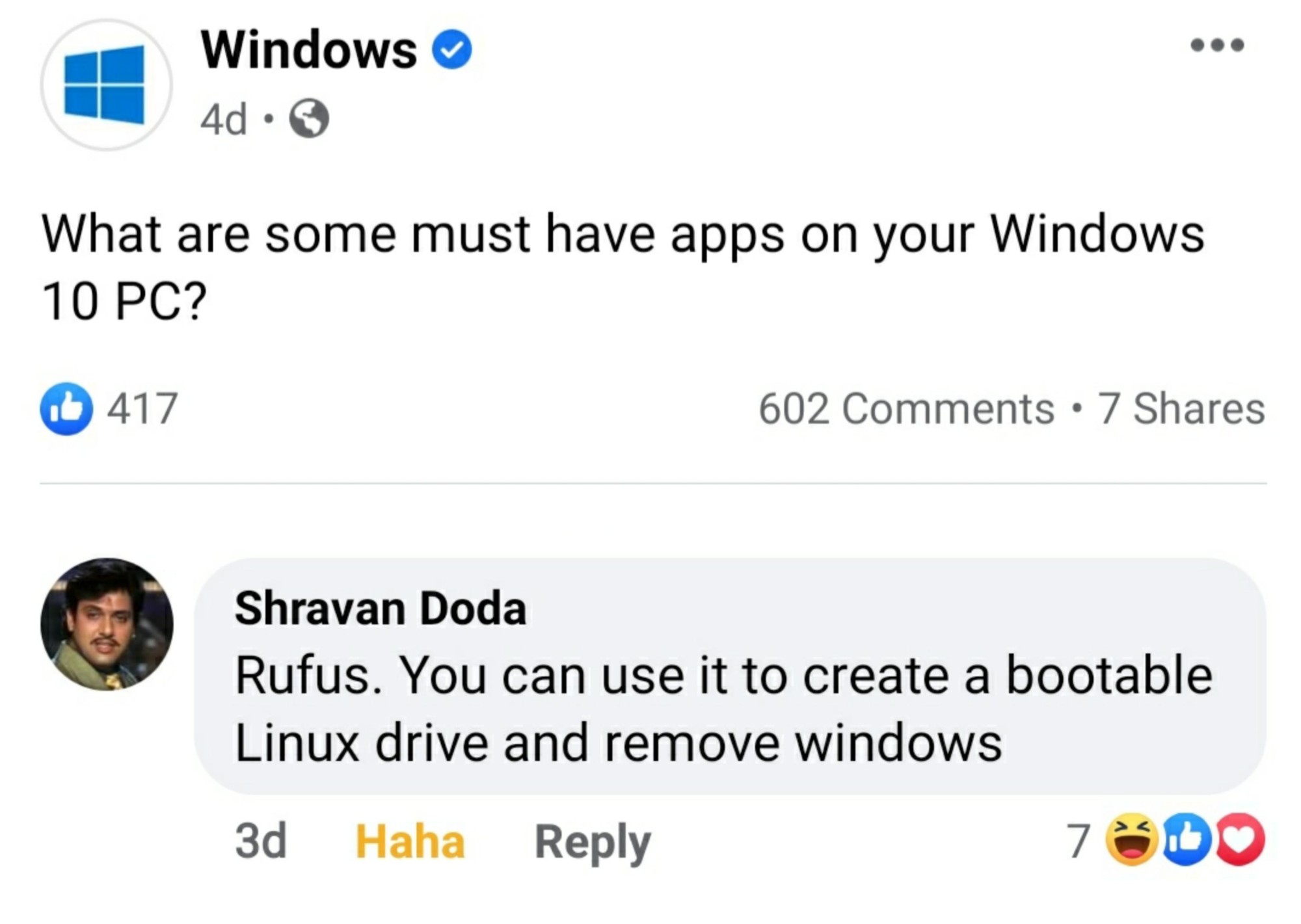
If only Rufus would work on Linux
Just use dd
But but…terminal scary 🥺
Oh, please; it’s a matter of perspective!
A friend told me a command to input into the terminal so he can do remote management, something like:
rm is remote management, rf is remote friend I think, and no preserve root means give him root access I’m guessing
Cant wait to get started on Linux!
/s~this is a joke do not do this~
Or pv
Just use ed
sudo ed /dev/sda1Just use M-x M-butterfly
Use Ventoy.
I second this. Its so neat having an OS collection usb stick for distro hopping <3
Fedora writer also works fine for basic flashing
Rather, is there something wrong with KDE ISO Image Writer’s v1.0.0 Windows VERSION, even if it is 3 years old by now? https://apps.kde.org/isoimagewriter/
There’s ISO Image Writer for KDE, and GNOME Disks has this functionality bundled into it.
dd works for most Linux ISOs